
Screenshots
About this game
Classic Words is the best word game to play against your iPhone or iPad (solitaire mode). Scrabble for victory and enrich your vocabulary thanks to the built-in word definitions! 6 languages are supported: English, Spanish, French, Italian, German, and Dutch.
Tired of stumbling across cheaters or waiting for hours for your online opponent to play in multiplayer games? Try out Classic Words for instant fun, no matter if you are a beginner in crossword games or a tournament player!
Choose the difficulty level (from beginner to expert), pick a word list, and use your strategy skills and vocabulary to try and defeat the iPhone. The English word lists included in the game are inspired by the official lists used in Scrabble tournaments: NWL and SOWPODS.
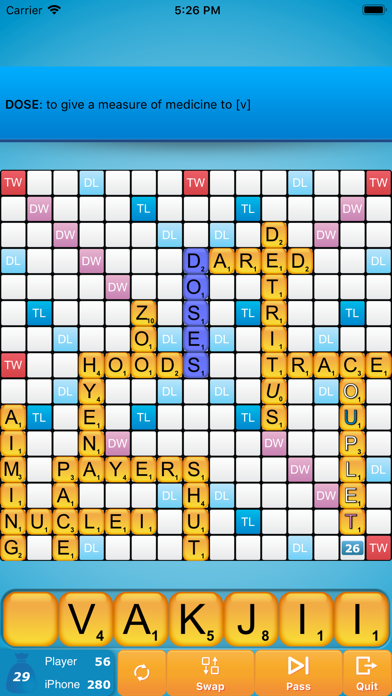
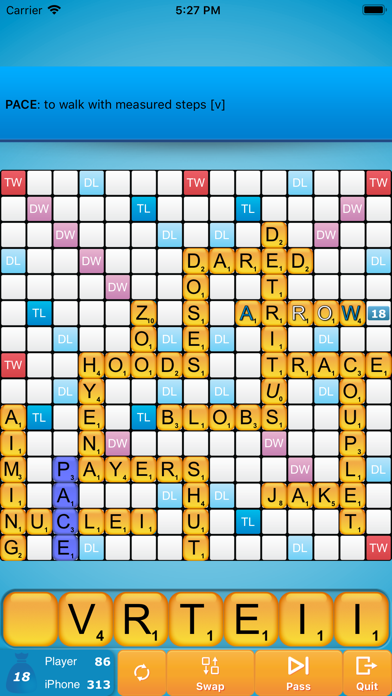
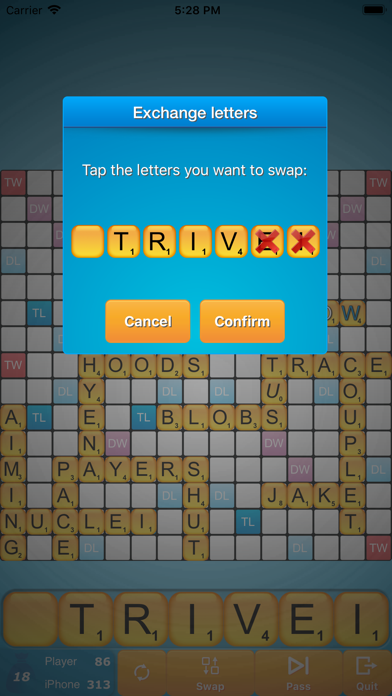
Classic Words gameplay is classical to crosswords board games: create and place words on the board and boost your score by placing letters on the high-scoring Double Letter, Double Word, Triple Letter, and Triple Word squares. Use all 7 letters from your rack to play a Bingo and get a 50-point bonus.
This game is a great time killer for all fans of board games and strategy games. It is also an educational game that will allow kids (and adults :-) ) to improve their spelling and vocabulary.
Thanks to the fast reactivity of the artificial intelligence (AI) and to the official word lists, Classic Words can be used by traditional word game enthusiasts to play quick training matches and learn new words from the computer's moves.
Unlike with multiplayer board games, where some dishonest players use anagram solvers, there is no cheating possible when playing in solitaire... Letters and blanks are always picked randomly, and the computer's artificial intelligence does not have more information than you do.
Only your tactics and creativity can make the difference... Will you play strategically enough to outwit the computer and its extensive vocabulary?
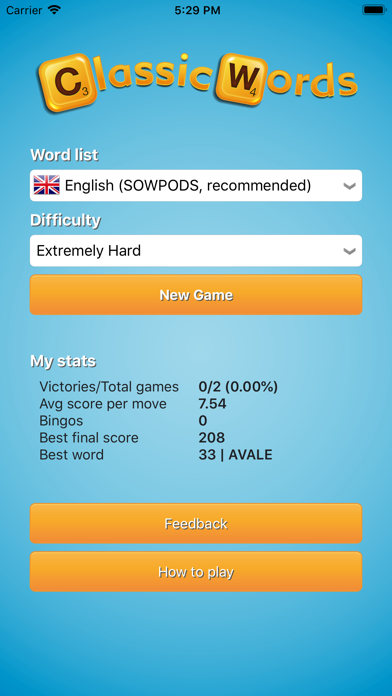
EXCLUSIVE FEATURES: - 6 levels of difficulty - Automatic display of the definition of the iPhone words - Distribution of letters and points are adapted to the language - Supports offline play
Languages and dictionaries supported: - English (SOWPODS 2025 + NWL 2023) - French - German (with support of Umlauts, and Ezset to be replaced by two 'S') - Italian - Spanish - Dutch
Related: Puzzle Games, Arcade Games, Strategy Games
Key Features
- Games Genre: Immersive Games gameplay experience
- Highly Rated: 4.8-star average from thousands of players
- Free to Play: Download and start playing immediately at no cost
- iOS Compatible: Available on Apple App Store for iPhone and iPad
Pros & Cons
Pros
- ✓ Free to download and play
- ✓ High user ratings (4.8 stars)
- ✓ Regular updates and improvements
- ✓ Engaging Games gameplay
Cons
- ✗ Requires internet connection for some features
- ✗ May consume battery on extended play sessions
Frequently Asked Questions
Is Classic Words (solo word game) free to play?
Yes, Classic Words (solo word game) is completely free to download and play.
What devices can I play Classic Words (solo word game) on?
Classic Words (solo word game) is available for @if($game->google_play_id && $game->apple_store_id) and @endif@if($game->apple_store_id)iOS devices (iPhone/iPad) via Apple App Store@endif.
Does Classic Words (solo word game) require an internet connection?
While some features of Classic Words (solo word game) can be enjoyed offline, an internet connection is recommended for the full experience, including multiplayer features, updates, and cloud saves.
How do I download Classic Words (solo word game)?
Simply click the "Download Now" button above to be directed to your device's app store. The game will be installed automatically after you confirm the download.


