Screenshots
About this game
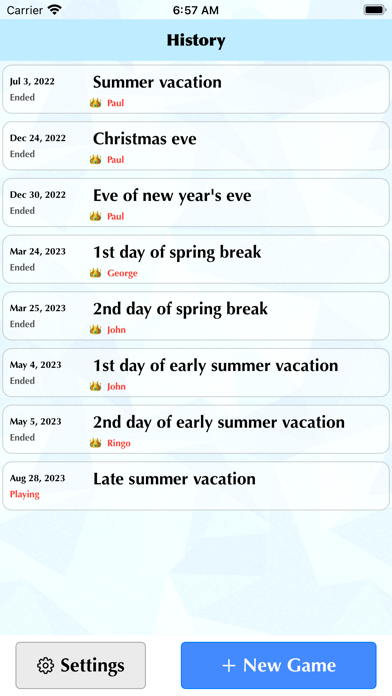
This app is not a game. This is an app that allows you to easily calculate the score of the card game "UNO" and also allows you to keep a record of the game. The score calculation method complies with not only international rules but also Japanese rules.
As of 2023, UNO is sold by Mattel Inc. For more information about Mattel Inc., please visit the following website. https://about.mattel.com
USAGE
A. First Time
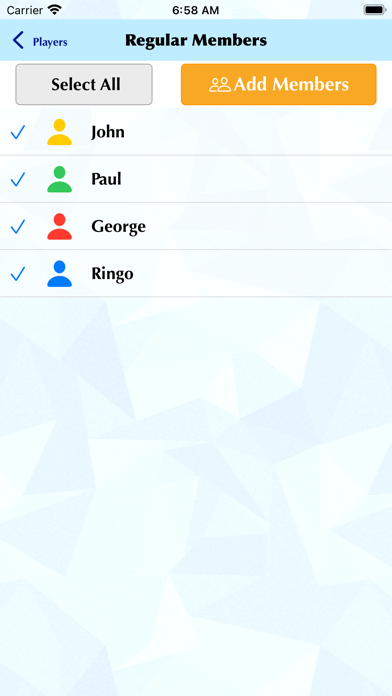
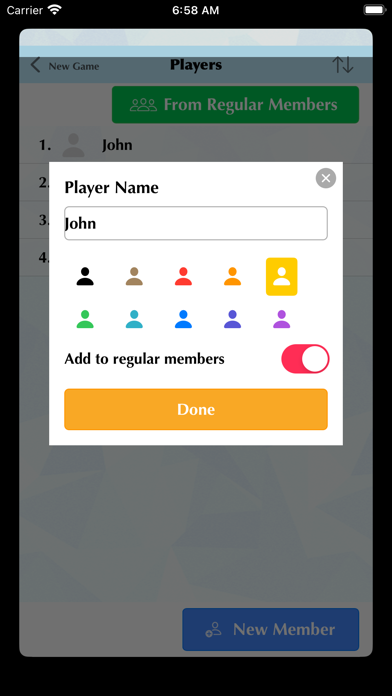
When you first launch the app, tap "Settings" to open the settings screen. Select the default scoring method. This is the default setting when you start the game, and can be changed later for each game. If you have regular members, such as family or friends, who you always hang out with, it is convenient to register them as "regular members". To register, tap "Regular member". Tap "New member" on the "Regular members" screen. Enter the player name, select the player symbol color from 10 colors, and tap "Done". Add as many regular members as you need.
B. Game Start
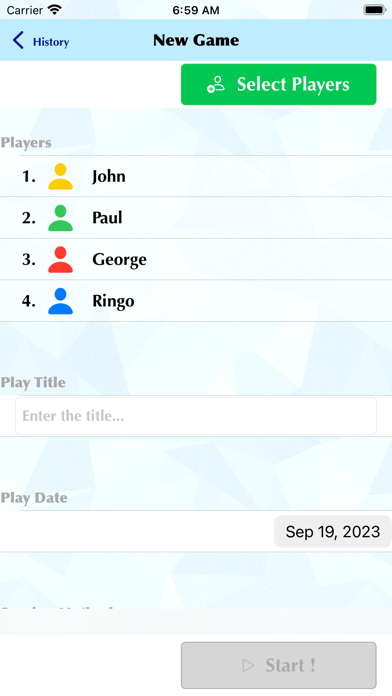
Tap "New Game" on the top screen. On the "New Game" screen, tap "Select Player" first. To select from registered regular members, tap "From Regular Members". Select the member you want to add and tap "Add members". (It will not be added if you do not tap it) If you want to add an unregistered member as a player, tap "New member". Enter the player name, select the symbol color, and tap "Done". At this time, if you turn on "Add to regular members", you can add them to your regular members. Return to the "New Game" screen and enter a name for the game (a title that tells you what time it was played). Select the play date (the day you actually played) on the calendar. To change the scoring method, tap the rule you want to use. Once you have entered everything, tap "Start!".
C. Entering Round Scores
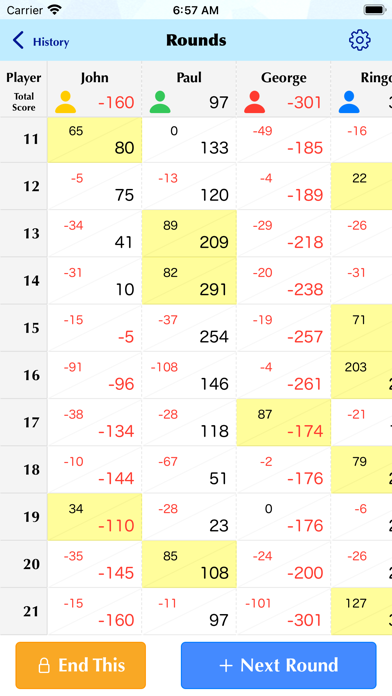
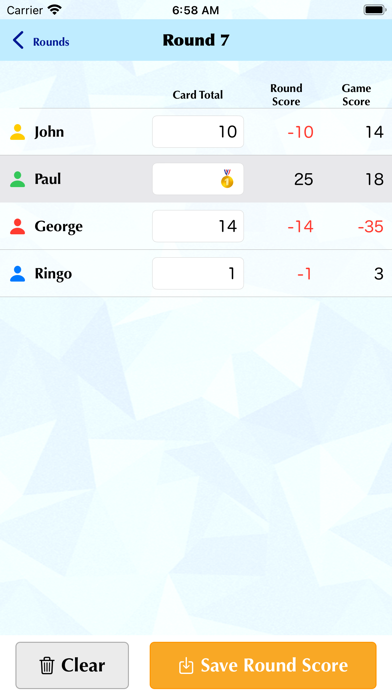
After the game starts, a list of players will appear, so tap on the winner after playing the first round. A medal will be displayed for the player who tapped it, so enter the total points of remaining cards for the other players. If you enter all the total points of remaining cards other than the winner, the winner's score will be calculated, so tap "Save Round Score". After playing the next round, tap "Next Round" on the "Rounds" screen and register the points using the same way.
D. End Of Game
This app does not set any conditions for ending the game. When you're done playing, tap "End This" on the "Rounds" screen. This will freeze the game and prevent you from making changes. If you end it by mistake, tap the gear icon at the top right of the "Rounds" screen. Tap "To change to the playing state, tap this" at the bottom of the screen and tap "Save" to return to playing.
E. Backup And Restore
By tapping "Save backup to file" on the "Settings" screen, you can save all data currently saved in the app to a file. Also, if you reinstall the app, tap "Restore saved backup" and select the back file saved on your device to return to the state it was in when it was saved. You can use this feature to share your play data with your family and friends.
Related: Slots Games, Puzzle Games, Arcade Games
Key Features
- Games Genre: Immersive Games gameplay experience
- Free to Play: Download and start playing immediately at no cost
- iOS Compatible: Available on Apple App Store for iPhone and iPad
Pros & Cons
Pros
- ✓ Free to download and play
- ✓ Regular updates and improvements
- ✓ Engaging Games gameplay
Cons
- ✗ Requires internet connection for some features
- ✗ May consume battery on extended play sessions
Frequently Asked Questions
Is UNO Score Book free to play?
Yes, UNO Score Book is completely free to download and play.
What devices can I play UNO Score Book on?
UNO Score Book is available for @if($game->google_play_id && $game->apple_store_id) and @endif@if($game->apple_store_id)iOS devices (iPhone/iPad) via Apple App Store@endif.
Does UNO Score Book require an internet connection?
While some features of UNO Score Book can be enjoyed offline, an internet connection is recommended for the full experience, including multiplayer features, updates, and cloud saves.
How do I download UNO Score Book?
Simply click the "Download Now" button above to be directed to your device's app store. The game will be installed automatically after you confirm the download.


